Connect a Facebook Page
Authorize the Page, confirm access, and wait for the local sync to finish.
Open ThreadPilot →3 min readFind the right next step for Pages, templates, Audiences, Promos, replies, and reports.
Search workflows, rules, and fixes.
Page connection, template sync, Audience eligibility, and billing status are specific to your workspace. Sign in to see the evidence ThreadPilot has for your account.
The answers operators reach for most often.
Stored only in this browser. No account or message content is saved here.
Build the first reliable workflow.
Authorize the Page, confirm access, and wait for the local sync to finish.
Open ThreadPilot →3 min readChoose Page, Audience, approved message, safety review, and schedule. A draft does not send.
Start the workflow →5 min readBuild a group for VIP, Warm, or Win-back contacts. Eligibility is checked again before sending.
Open your Audience →4 min readKnow what the first message and the reply flow require.
Templates belong to one Page. Draft, pending, rejected, and approved-synced are different states.
Open Template Center →4 min readFree-form follow-up depends on a recent customer reply and current Page and contact eligibility.
See follow-up rules →4 min readConfigure the flow, response, variants, trigger, and safety cap separately from the first-message Promo.
Configure Customer Follow-up →3 min readStart with the evidence, then take the safe next action.
Check Page access, required permissions, and whether the selected Page belongs to this workspace.
Review Page setup →3 min readCheck template approval, Audience eligibility, Page health, quota, and the campaign readiness panel.
Review requirements →3 min readSeparate stale or unavailable contacts from actual system and provider errors before taking action.
Review affected contacts →3 min readThreadPilot will not retry an unconfirmed send automatically because the customer may already have received it.
Open Recovery →Missing history stays unavailable. Use the scope, date range, and source details before interpreting a zero.
Open Reports →Check whether the action was a direct follow-up, a campaign send, or an inbound event and review its local audit.
Understand reply flow →Make the workflow easier to operate.
Use a relevant Audience, a clear first message, and a reply path that a human can finish.
Plan a Promo →Start with recent, reachable contacts and keep excluded or suppressed records separate.
Choose an Audience →Quota, Page safety, messaging windows, and provider limits remain separate controls.
Read report guidance →Templates start the first message. A customer reply opens the next safe action. Follow-up automation is optional and has its own configuration, eligibility rules, and frequency cap.
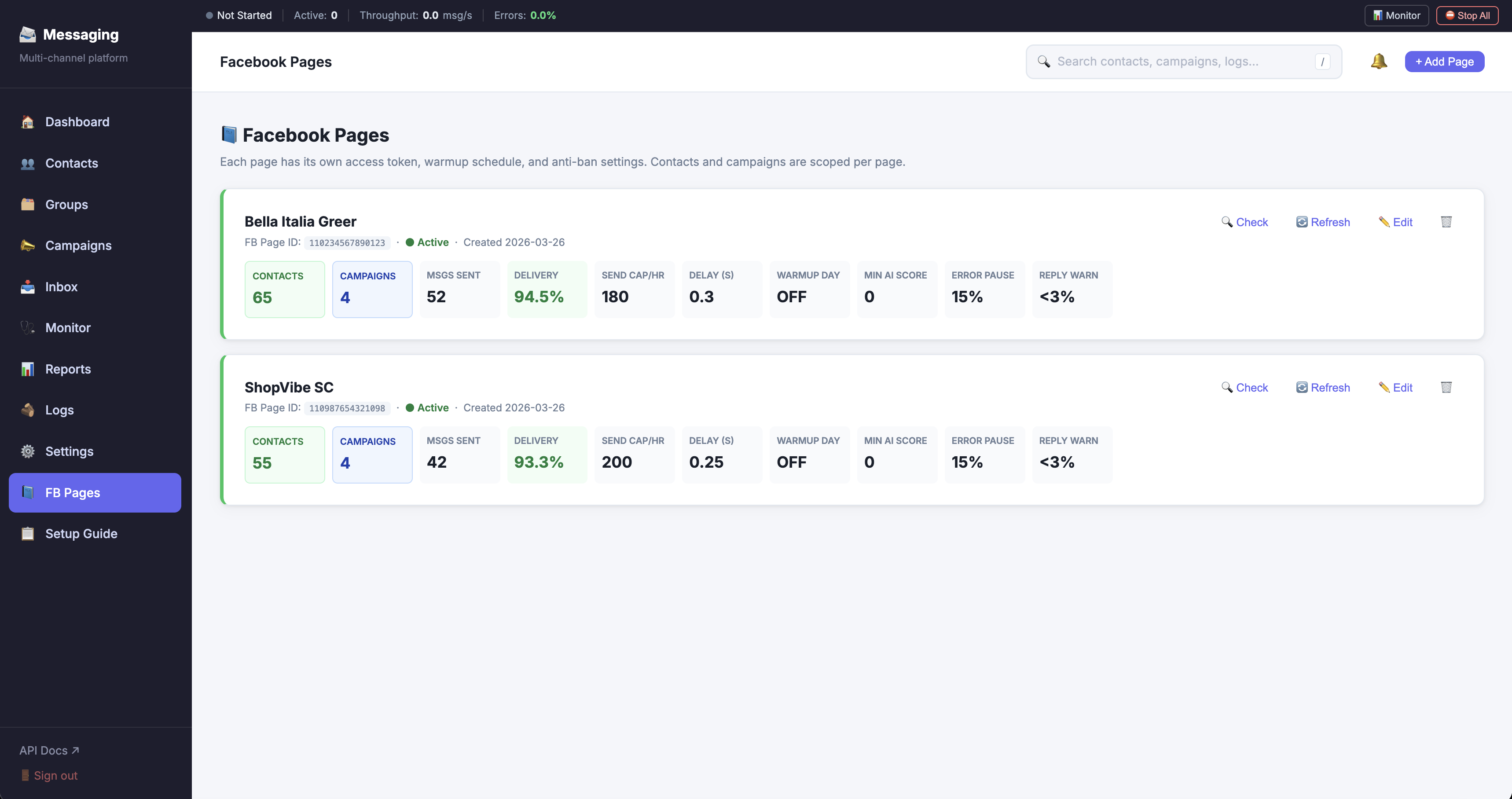
Page access and sync.
Approved Page template.
Audience and safety.
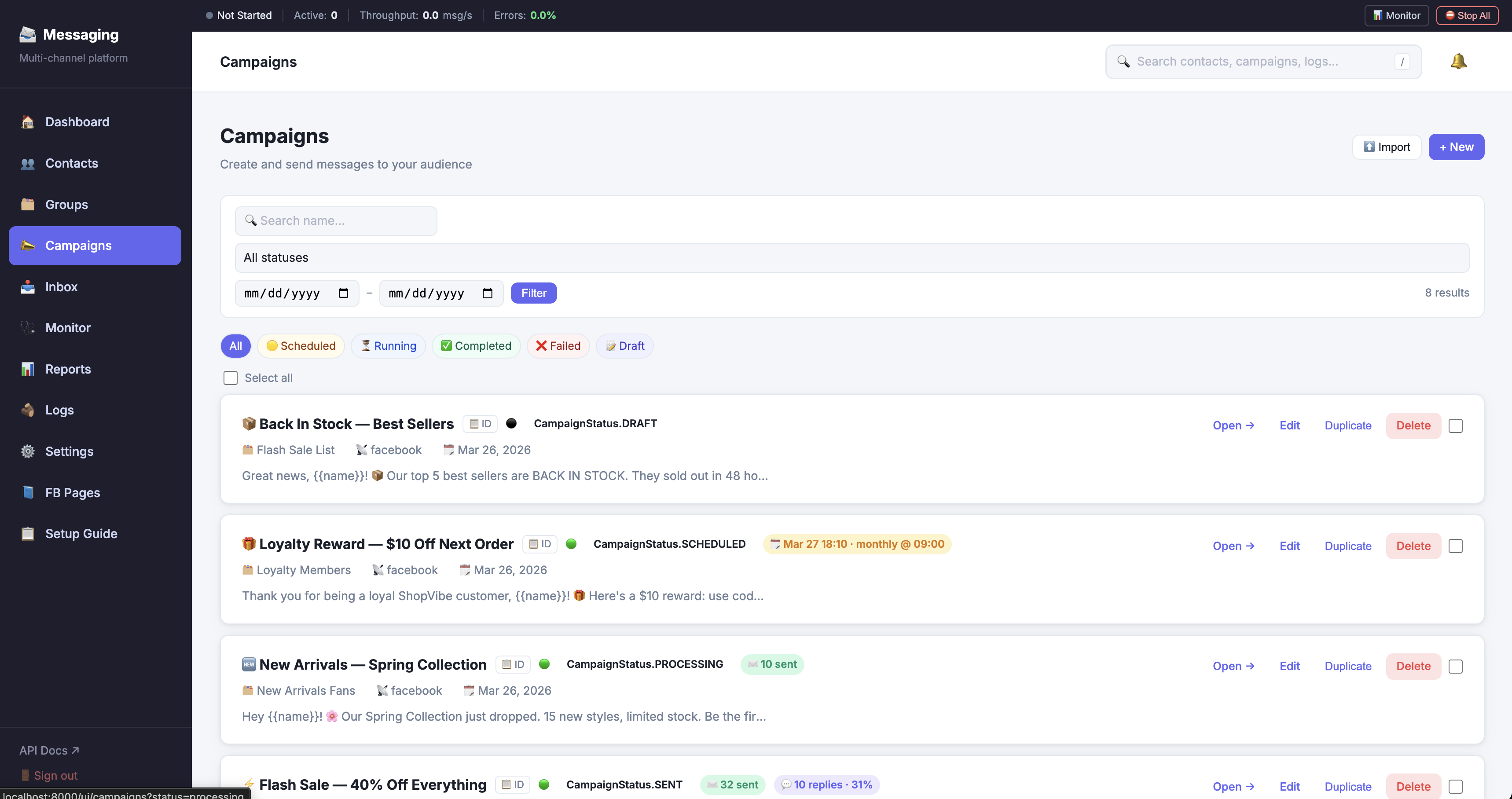
Review and schedule Promo.
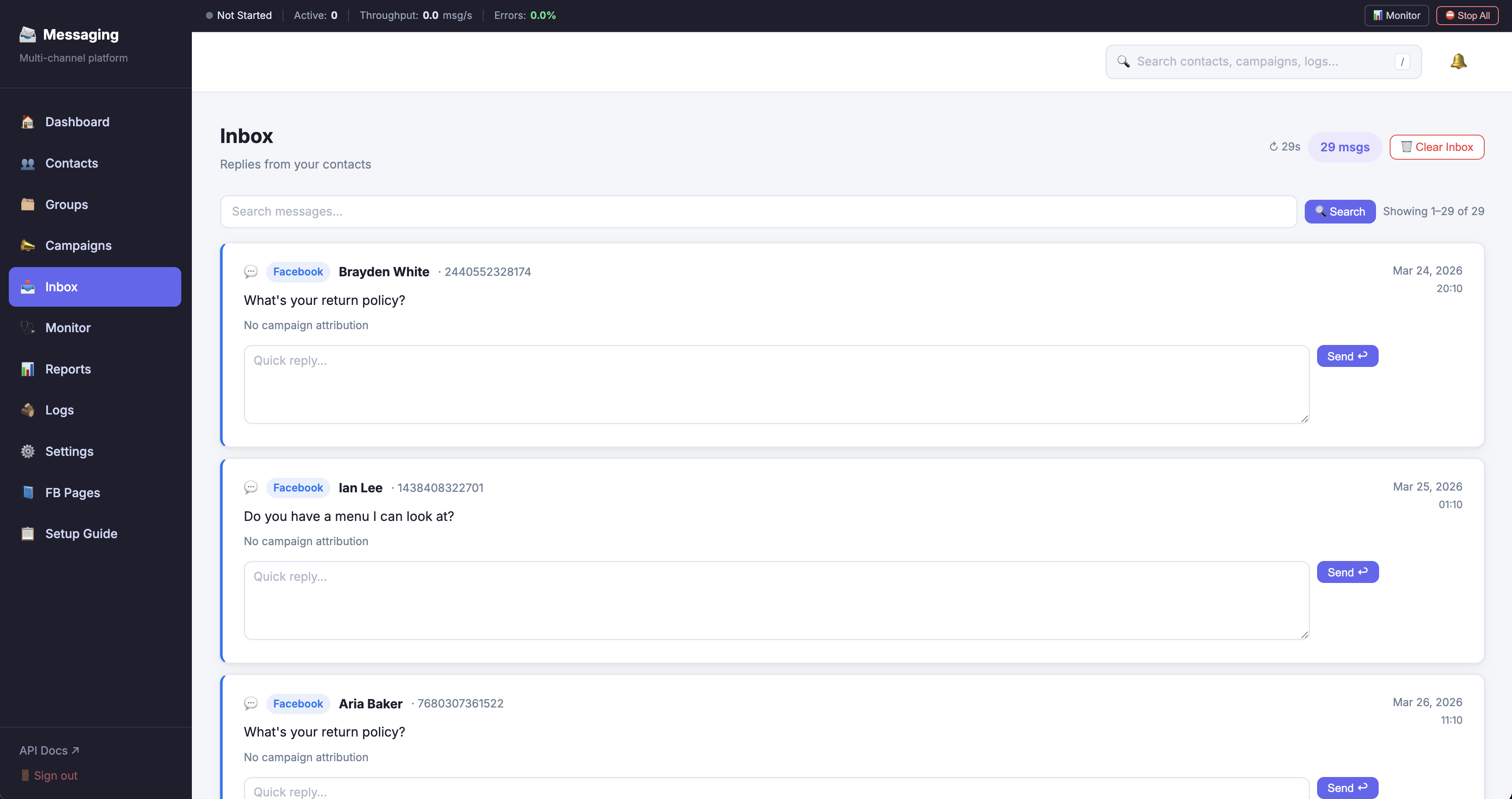
Inbox or follow-up flow.
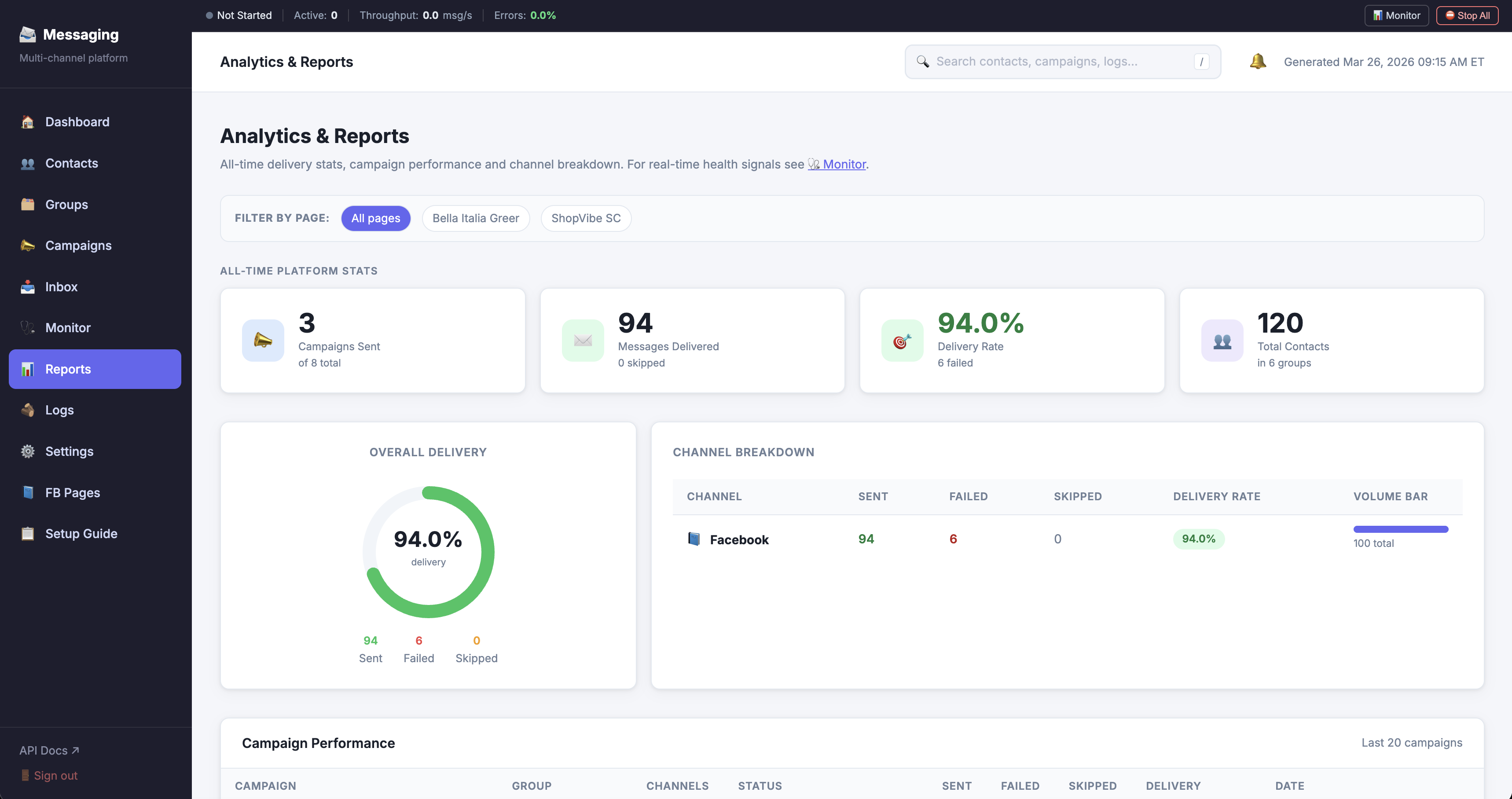
Reports and recovery.
Real product surfaces, not abstract documentation.
Short answers to the questions support teams hear most often.
Eligibility depends on Page access, customer reply windows, template status, opt-outs, suppression, and ThreadPilot safety controls.
Meta has not yet confirmed approval in the latest sync. A local draft is not approval and cannot be treated as ready.
The flow may be off, the reply window may be closed, the frequency cap may be reached, or the message may require human review.
First campaigns often reveal stale, inactive, suppressed, or unavailable contacts. Review the reason distribution before treating it as a system error.
No. A Promo must pass review and be scheduled or sent through the campaign workflow.
ThreadPilot could not confirm whether the provider accepted the message, so it does not retry automatically and risk a duplicate.
Sign in to open Guided Help. It checks your actual Page, template, Audience, Promo, Inbox, and report state.
Still stuck? Contact support from your workspace so the team can see the right account evidence.